Git and GitHub Workflow for Solo Developers
A pragmatic Git setup for someone working alone — sensible defaults, the commands that matter, and a workflow that scales gracefully when teammates join.
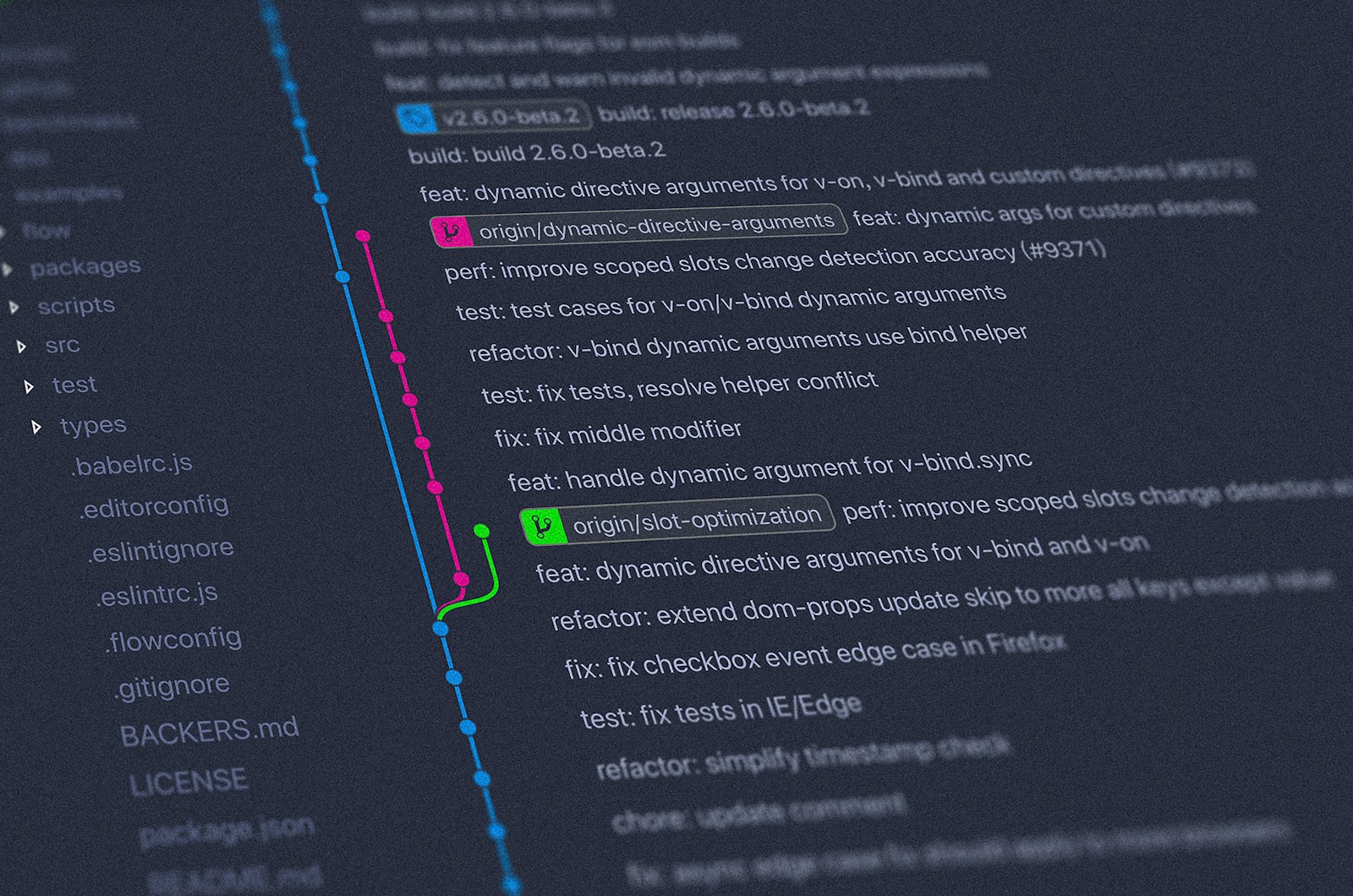
Most Git tutorials assume you're on a team. Solo developers have different needs — fewer ceremonies, but the same need for safety. This guide is a pragmatic Git workflow for working alone, designed to scale gracefully if teammates join later.
One-time setup
# Identity
git config --global user.name "Your Name"
git config --global user.email "you@example.com"

# Sensible defaults
git config --global init.defaultBranch main
git config --global pull.rebase true
git config --global push.autoSetupRemote true
git config --global core.editor "code --wait"
git config --global rebase.autosquash true
Authenticate with GitHub
Use the GitHub CLI — it handles SSH keys and credentials so you never paste a token again.
brew install gh           # or your platform's installer
gh auth login
# pick GitHub.com, HTTPS, browser auth
Day-to-day flow
- Create a branch for every change, even alone:
git checkout -b feat/something. - Commit small, focused changes with imperative messages:
git commit -m "add login route". - Push and let GitHub Pages, Vercel, or Actions do their thing:
git push. - Open a PR — even solo. Future-you will thank you for the rationale.
- Merge and delete the branch.
The five commands you actually use
git status— what's the situation?git diff— what's changed?git add -p— stage hunks interactively (this is the secret to clean commits).git commit -m "…"git push
When things break
- Undo last commit (keep changes):
git reset --soft HEAD~1. - Throw away local changes:
git restore .(be careful). - Amend the last commit:
git commit --amend. - Pulled and got conflicts:
git rebase --abortto back out, then deal with it.
GitHub features worth using solo
- Branch protection — even alone. Forces yourself to PR.
- Actions for CI — run tests on every push for free.
- Dependabot — automated dependency PRs.
- Issues — your todo list with permanent links.
Habits that pay off when teammates join
If you're working alone today but might collaborate later, three habits make the transition painless: short-lived branches, descriptive commits, and PR descriptions written for future readers — not for past-you.
Continue reading
Related essays

CI/CD with GitHub Actions: Your First Pipeline
Build a real CI/CD pipeline with GitHub Actions — install, test, build, deploy — for a TypeScript app, with the patterns that scale to dozens of jobs.

Claude Code: The Complete Setup Guide for macOS, Windows, and Linux
An end-to-end walkthrough of installing Claude Code, authenticating, configuring your first project, and getting productive in under thirty minutes — across all three major operating systems.

Docker Installation: Step-by-Step on macOS, Windows, and Linux
Install Docker the right way on every major OS, verify the install with a real container, and configure Docker Desktop and the daemon for daily use.